

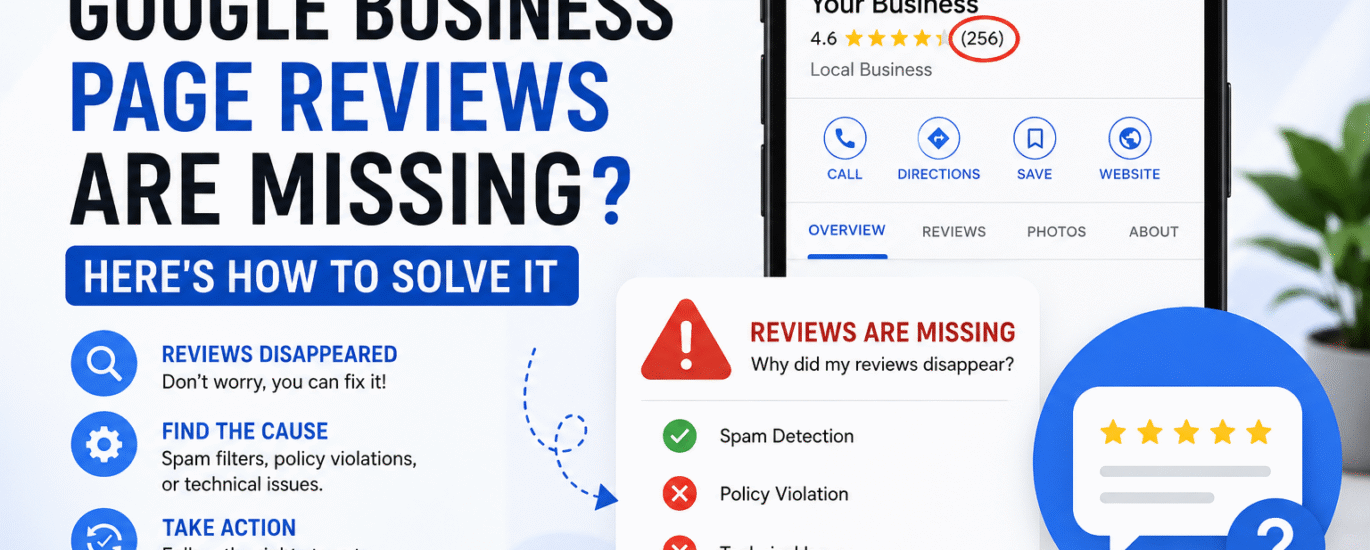
Online reviews play a crucial role in building trust, improving local SEO, and attracting new customers. So, it can be alarming when reviews suddenly disappear from your Google Business Profile (formerly Google My Business).
If you’ve noticed that some or all of your Google reviews are missing, don’t panic. In most cases, the reviews haven’t been permanently deleted. Google may have filtered them due to policy violations, spam detection, or technical issues.
In this guide, we’ll explain why Google reviews disappear and how you can recover them.
Google regularly removes reviews that appear fake, spammy, or suspicious. Even legitimate reviews can be filtered if they trigger Google’s automated systems.
Common reasons include:
If the customer deletes their Google account or removes their review, it will disappear from your Business Profile.
Google may remove reviews that contain:
If your Google Business Profile is suspended, under review, or experiences verification problems, reviews may temporarily disappear.
Occasionally, Google experiences indexing or display issues that cause reviews to temporarily vanish. These are usually resolved automatically.
Review your current review count and compare it with previous records or screenshots.
Contact customers whose reviews are missing and ask whether they can still see their review when logged into their Google account.
Ensure the missing reviews comply with Google’s review policies.
Many review visibility issues resolve themselves within a few days. Google may be updating its systems or performing spam audits.
If legitimate reviews disappeared without explanation:
Google allows business owners to report missing reviews if they believe they were incorrectly removed.
Include:
If a review was removed because of a policy violation or technical issue, ask the customer to submit a new review that follows Google’s guidelines.
Always request honest reviews from real customers after providing a service or product.
Do not selectively ask only satisfied customers to leave reviews.
Purchased or incentivized reviews violate Google’s policies and can result in mass review removals.
While Google reviews are important, also build reviews on:
Check your Google Business Profile weekly to identify any sudden changes in review count.
Yes, if the reviews were removed mistakenly and did not violate policies, Google may restore them after investigation.
Recovery timelines vary from a few days to several weeks, depending on Google’s review process.
Google’s filtering system evaluates each review individually. Some reviews may be flagged while others remain visible.
Missing Google reviews can impact your business reputation and local search visibility. Fortunately, many cases are caused by automated filtering or temporary technical issues rather than permanent deletion.
If your reviews disappear, verify compliance with Google’s policies, contact support, and maintain a steady flow of authentic customer reviews. Consistent review management is one of the best ways to protect your online reputation and strengthen your local SEO performance.
Need help managing your Google Business Profile or improving local SEO? Contact Sodesign for expert Google Business Profile optimization and reputation management services.
Suggested SEO Meta Title:
Google Business Reviews Missing? How to Recover Lost Google Reviews
Suggested Meta Description:


Santhosh Kummar C: The Multifaceted Freelancer Redefining Digital Success For over 13 years, Santhosh Kummar C has been a trailblazer
